Why your IPTV keeps buffering — and the 11 fixes that actually work
Buffering is a symptom, not a cause. Before you blame your provider or your internet, there is a diagnostic order that narrows…
Read the guideYou move, and the television stops being yours. The news is in a language your parents do not speak, the football is on channels you cannot buy, and the shows your family talks about are invisible. There are four realistic ways to fix that — and only one of them works for a whole household.
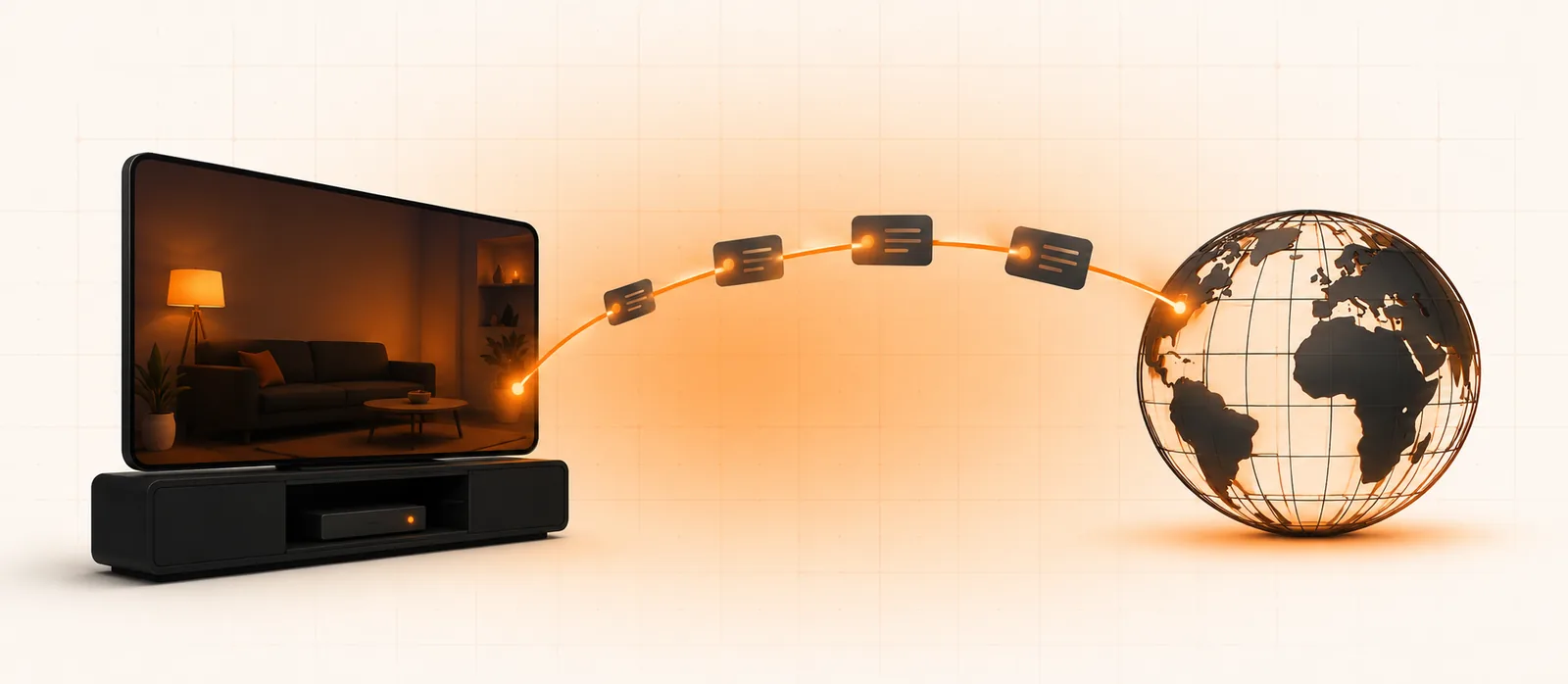
Every expat hits the same wall in the first month. You have fast internet, a decent television, and absolutely no way to watch the channels you grew up with. The apps say “not available in your region”. The satellite dish you would need points at a satellite that does not reach your new sky. And the free streaming sites you find at 1am are unwatchable within ten minutes.
I have spent years setting this up for people in exactly that position — Moroccans in Toronto, Poles in Manchester, Brits in Alicante, Turks in Berlin. The needs are remarkably consistent, and so are the mistakes. Here is the version I would give a friend.
It is not a technical accident. Broadcasters sell rights by territory. A national broadcaster buys the right to show a match in one country, and its contract obliges it to block viewers elsewhere. Your app checks your IP address, sees a foreign country, and refuses.
That is why “I pay for it at home, why can’t I watch it here” has an answer that feels unfair but is entirely deliberate. The subscription was sold to a household inside a territory, not to a person.
It also explains the shape of every solution below: each one is a different way of dealing with the same geographic check.
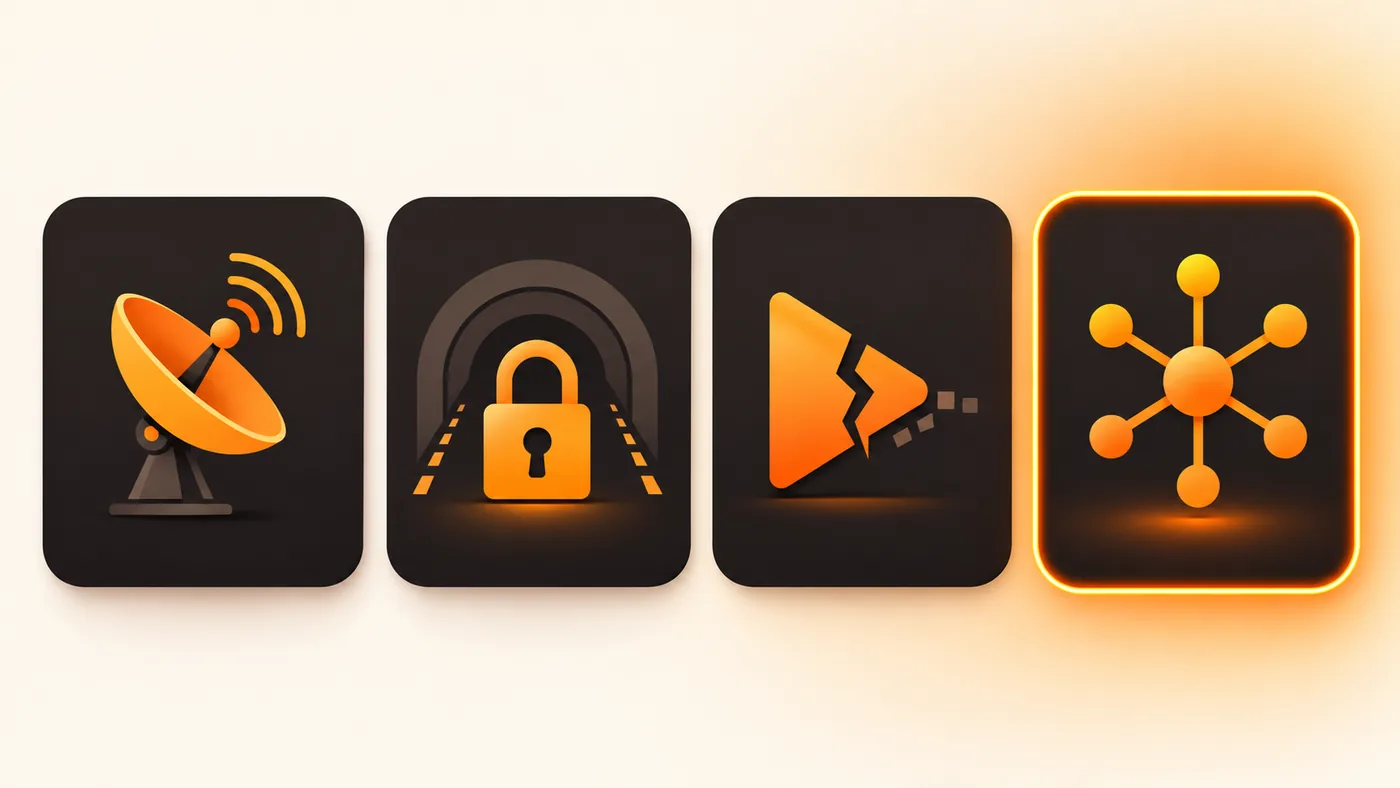
Keep the subscription in your home country, install a VPN, connect to a server there, and use the broadcaster’s own app.
Works well when: you only need one or two services, you still have a home address and payment card there, and you are comfortable troubleshooting.
The catches: major broadcasters actively detect and block VPN ranges, so a server that worked last month stops working this month. Many require a home-country payment card or postcode. Smart TVs cannot run a VPN without configuring it on the router. And per-service costs stack — two sports packages plus a streaming service is easily €60–80 a month.
Realistic cost: €5–12 for the VPN plus every subscription at full home price.
A dish pointed at the satellite carrying your home channels, plus a receiver and often a viewing card.
Works well when: you are in a country within the satellite’s footprint, you own the property or your landlord allows a dish, and you want something that never depends on your internet.
The catches: footprints are unforgiving — Arabic channels on Nilesat and Arabsat are excellent across Europe and North Africa but useless in Canada; UK channels on Astra 2 weaken badly in southern Spain and are gone entirely in the Gulf. Installation runs into several hundred euros, apartments frequently forbid dishes, and moving flat means paying for it all again.
Realistic cost: €250–600 up front, plus any card subscription.
The sites and sideloaded apps that appear when you search a channel name at kick-off.
Works when: honestly, briefly and badly. It is fine for one match if you have no alternative.
The catches: streams die mid-event, quality is poor, and the advertising ecosystem around them is genuinely hostile — pop-ups, fake download prompts and outright malware. If you are installing something on the family television, this is the worst possible source.
Realistic cost: free, and occasionally very expensive.
One line, entered once into an app on your TV, delivering the national packages of your home country over your normal internet.
Works well when: you want a whole household covered — the news your parents watch, the cartoons your children want in their own language, and your football — without configuring anything per app.
The catches: quality varies enormously between providers, and the market has plenty of sellers who will take your money and disappear. The entire skill is in choosing carefully, which is what the checklist below is for.
Realistic cost: roughly $12 a month, or around $4 a month equivalent on an annual plan.
| IPTV | Apps + VPN | Satellite | Free streams | |
|---|---|---|---|---|
| Up-front cost | None | None | High | None |
| Monthly cost | Low | High | Medium | None |
| Channel breadth | Very wide | Per service | Per satellite | Random |
| Works on any TV | Yes | Router setup | Receiver needed | Rarely |
| Survives a house move | Yes | Yes | No | — |
| Effort to maintain | Low | Ongoing | None | Constant |
| Risk of a bad seller | Real — vet carefully | None | None | High |
If you go the IPTV route, the difference between a good year and a wasted $50 comes down to about ten minutes of questions. Ask these before money changes hands:
And run that checklist past more than one seller. Ask the same question — your exact channel names, in your exact language — to us and to Strimo IPTV, KiloTV and Imax IPTV. Two things become obvious very quickly: who actually knows their catalogue, and who answers a direct question with a direct answer. For a household that will live with this for a year, those ten minutes are the best-value ten minutes in the whole process.
Patterns we see repeatedly, from actual setups rather than a marketing page:
Streams cross more of the world to reach you, so a stable connection matters more than at home. Ethernet or 5 GHz Wi-Fi, and a device capable of hardware decoding. If you hit stuttering, the buffering diagnostic applies exactly the same way it does anywhere else.
A large share of these subscriptions are bought by adult children for parents who moved with them, or for parents left behind. That changes what “good” means: the correct setup is the one that survives you not being in the room.

Channels broadcast on their home schedule. Six hours west of home means the evening news arrives at lunchtime; eight hours east means the football starts at 3am. Nothing changes that — but two features make it liveable, and it is worth confirming both before you buy.
Catch-up lets you scroll backwards through the last seven days of a channel and play a programme that already aired. For expats this is the single most valuable feature there is, and it is the one people most often discover they do not have.
EPG offset lets you display the guide in either home time or local time. Set it to whichever the household naturally thinks in, and stop mentally converting.
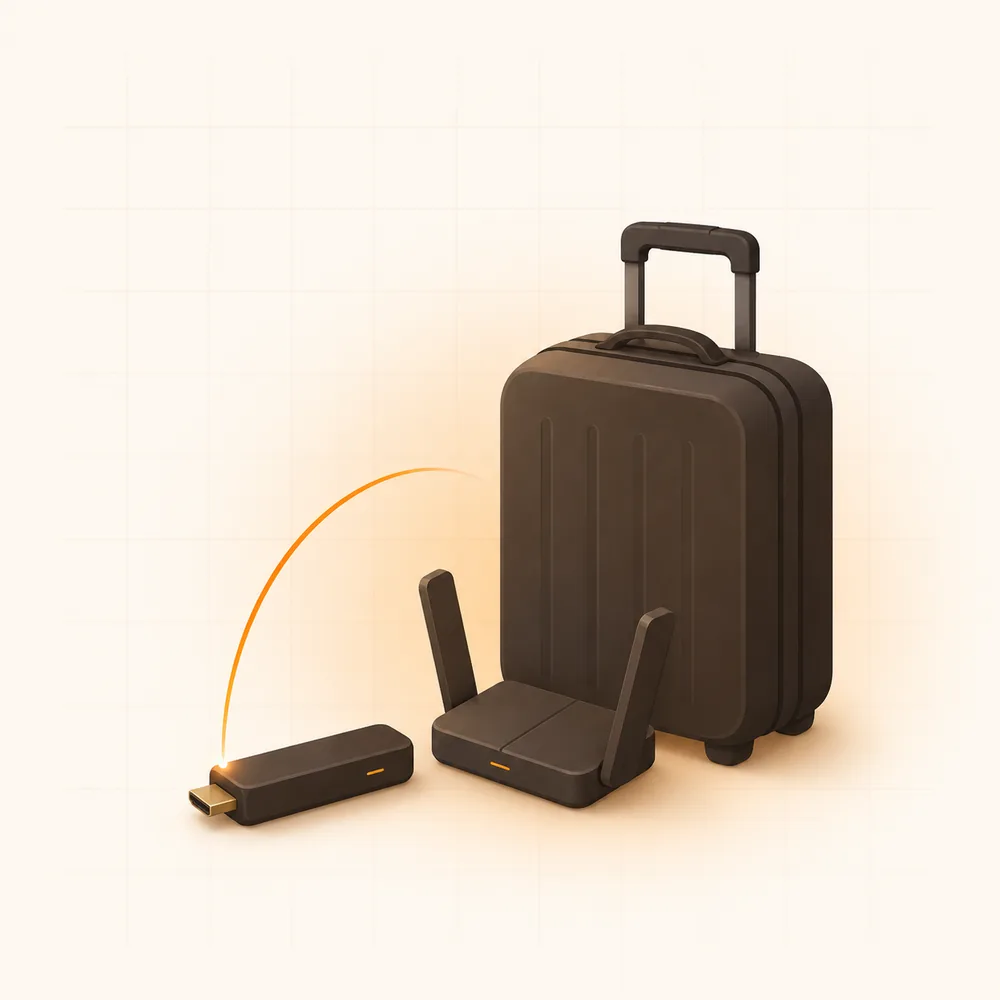
An IPTV line is not tied to a country, which makes it genuinely portable in a way a satellite dish never is. Two practical points:
Send the exact names — in any language — and we will tell you honestly whether we carry them and at what quality. Then take the free 24-hour line and check for yourself.
Usually not — the provider delivers the channels directly, so there is no regional block to work around. A VPN only becomes useful if your local ISP throttles streaming traffic, which shows up as some channels working and others refusing to start.
If it has an HDMI port, yes. A $30 stick handles the rest. If it is a Samsung or LG smart TV, an app can usually be installed directly with no extra hardware — the route for each platform is in how to install IPTV on a smart TV.
They can use the same line, but only one device can play at a time — so in practice you want a second connection added, which costs far less than a second subscription.
Ask before paying. A provider willing to say “no, we don’t have that one” is telling you something valuable about how they will behave later. We are also happy to add a channel where a stable source exists.
The stream is identical; the distance it travels is longer, so a stable local connection matters more. In practice, on a reasonable connection, viewers in Toronto and viewers in Lyon see the same picture.
The honest summary: if you need one service, a VPN and the official app is fine. If you need a household’s worth of channels in your own language, on a TV that other people also use, IPTV is the only option that scales — provided you spend those ten minutes vetting the seller first.

Buffering is a symptom, not a cause. Before you blame your provider or your internet, there is a diagnostic order that narrows…
Read the guide
Free IPTV is not a scam and paid IPTV is not automatically better. They are two different products solving two different problems,…
Read the guide
They solve the same problem in completely different ways. One is built for a remote control and a big screen; the other…
Read the guide