Why your IPTV keeps buffering — and the 11 fixes that actually work
Buffering is a symptom, not a cause. Before you blame your provider or your internet, there is a diagnostic order that narrows…
Read the guideThey solve the same problem in completely different ways. One is built for a remote control and a big screen; the other is built to run everywhere. Picking wrong will not break anything, but it will quietly make your TV worse to use every evening for a year.
Your subscription and your player are two separate things. The provider sends channels; the app decides how you find them, how the guide looks, whether you can record, and how many button presses it takes to get from the sofa to the match. People spend weeks choosing a provider and thirty seconds choosing the app, then blame the provider for an experience the app is responsible for.
TiviMate and IPTV Smarters Pro are the two names that dominate. I have both installed on test hardware permanently, because half our support conversations involve one of them. Here is the honest comparison, including the parts where each one is worse.
TiviMate is an Android TV application — and only an Android TV application. It was designed from scratch around a directional pad: up, down, left, right, OK. That single constraint shapes everything about it. The channel list behaves like a real television, the guide is a proper grid, and you can navigate the entire app one-handed without ever seeing a mouse cursor or a text field.
It has a free version that covers the basics and a Premium unlock that adds recording, multiple playlists, catch-up and the more advanced customisation. There is also a lifetime option that works out cheaper than a couple of years of the subscription.
IPTV Smarters Pro is a cross-platform player. Android, Android TV, iOS, tvOS, Windows, macOS, and often preinstalled as a companion app by providers. Its priority is breadth: run the same line on every screen the customer owns, with a familiar layout split into Live TV, Movies and Series.
That split matters. Smarters treats on-demand content as a first-class citizen — poster art, descriptions, seasons — where TiviMate treats VOD as an afterthought. If your subscription includes a large film and series catalogue, that difference is felt daily.
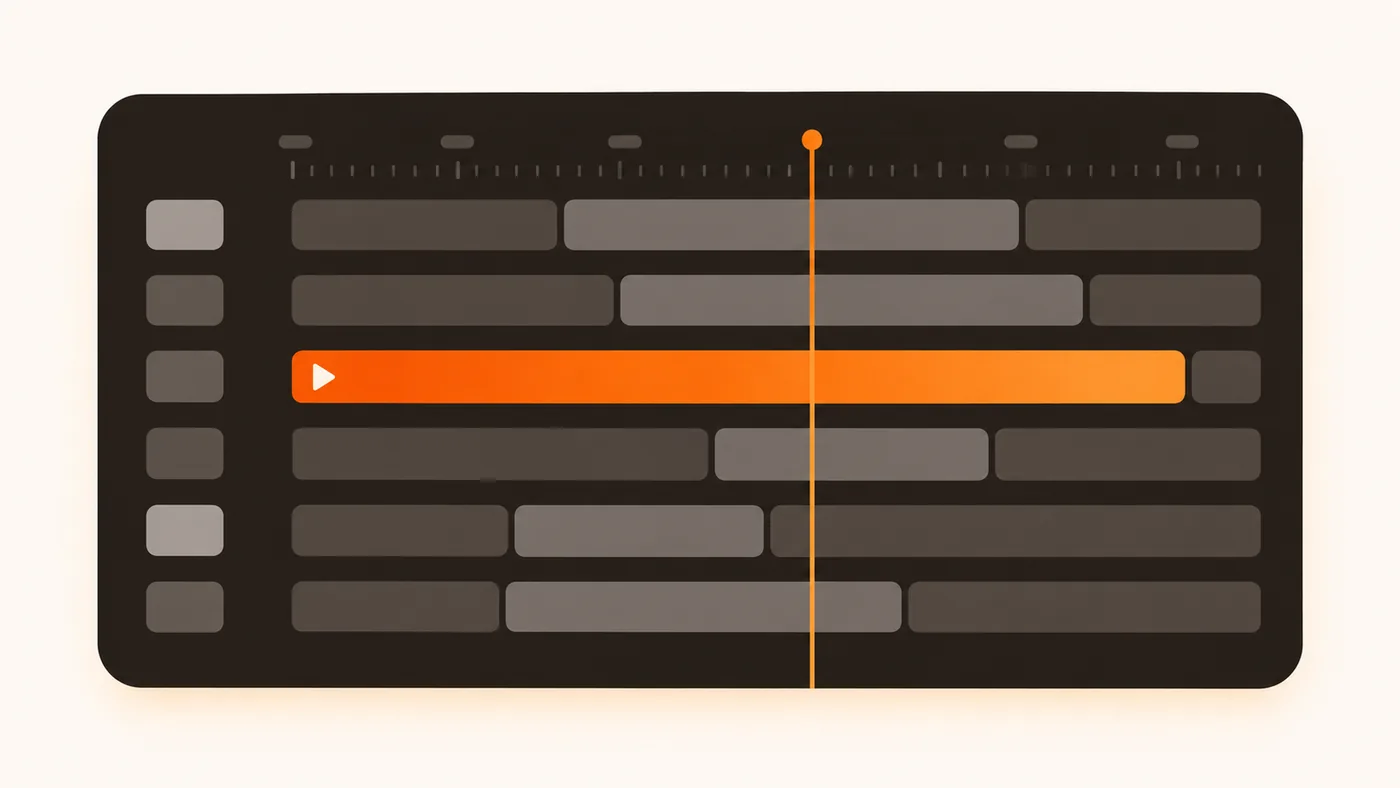
TiviMate feels like a set-top box. Press up or down and you change channel with a small preview overlay; the picture keeps playing while you browse. Favourites sit in their own group at the top. You can hide entire categories you never watch — with a catalogue of tens of thousands of channels, that is not a luxury, it is the difference between usable and unusable. You can also reorder channels manually, which nothing else does as well.
Smarters feels like a mobile app scaled up. Big tiles, a menu you enter and exit, more visible structure. On a phone that is exactly right. On a 65-inch screen with a remote it is more button presses to reach the same channel, and the design has a slightly generic, template-built quality that TiviMate does not.
One practical note: TiviMate’s learning curve is real. The first evening you will hunt for settings. By the end of the week you will be faster in it than you ever were in Smarters — but that first evening puts some people off, and if you are configuring this for someone who is not technical, it matters.
This is TiviMate’s clearest win. It renders a genuine grid — channels down the side, time across the top, a “now” marker — the way a television guide has looked for twenty years. You can scroll forward through the week, see what is on later, and jump straight into a programme.
Smarters shows the guide too, but usually as a per-channel list rather than a full grid, which is fine for “what is on this channel next” and poor for “what is on tonight”. If you are the kind of viewer who browses the schedule before choosing, TiviMate is worth the setup effort on its own.
Neither app invents guide data. If the schedule is missing or shifted by an hour, that is the provider’s EPG feed or your time-zone setting — not the app. Check the time offset in settings before blaming either one.
If your subscription includes a serious film and series catalogue — ours runs to around 240,000 titles — the way the app presents it decides whether you ever use it.
Smarters wins here without much argument. Poster grids, plot summaries, ratings, seasons and episodes laid out properly, and a search that works across the whole library. It behaves like the streaming apps people are used to.
TiviMate added VOD support later and it shows. It works, but browsing 100,000 films through it is a chore compared with Smarters. A common setup among heavier users: TiviMate for live television, Smarters installed alongside purely for films. Both can hold the same line at the same time; there is no conflict as long as you are not playing two streams simultaneously.
TiviMate Premium records to internal storage or a USB drive, and can schedule from the guide — select a programme airing tomorrow, press record, done. Catch-up is integrated into the same guide, so scrolling backwards through yesterday and pressing play works exactly as you would expect.
Smarters has recording on some platforms and not others, and it is more manual — closer to “start recording now” than to a proper scheduler. Catch-up support varies by version.
If recording matters to you at all, this section alone decides it.
| Device | TiviMate | IPTV Smarters Pro |
|---|---|---|
| Android TV box / Nvidia Shield | Yes — ideal | Yes |
| Firestick / Fire TV | Yes (sideload) | Yes (sideload) |
| Google TV / Chromecast | Yes | Yes |
| Android phone / tablet | Awkward — built for a remote | Yes — ideal |
| iPhone / iPad / Apple TV | No | Yes |
| Windows / macOS | No | Yes |
| Samsung / LG smart TV (Tizen, webOS) | No | Yes |
| MAG / Enigma2 | No — uses the built-in portal | No |
That table is often the whole decision. On an iPhone or a Samsung TV, TiviMate is not an option, so the comparison ends before it starts. Full walkthroughs for each of these live on our installation page.
Both apps are separate purchases from your subscription. Neither is included with any provider, and any seller telling you the app is “free with the package” is bundling something they do not control.
Install these from the official store, or — on Firestick — from the download link your provider gives you, following our step-by-step Firestick setup guide. Modified builds circulating on forums are a genuine malware vector, and no legitimate provider will ever ask you to disable security warnings to install one.
| Feature | TiviMate | IPTV Smarters Pro |
|---|---|---|
| Designed for | TV + remote control | Every platform |
| Full grid EPG | Excellent | Basic |
| VOD browsing | Functional | Excellent |
| Recording | Scheduled, Premium | Limited |
| Catch-up | Integrated in guide | Varies |
| Multiple playlists | Yes (Premium) | Yes |
| Channel reordering / hiding | Best in class | Basic |
| Learning curve | Steeper | Gentle |
| iOS support | None | Yes |
| Best for | Live TV on a big screen | Films, phones, mixed devices |
Most people who dislike TiviMate never configured it, and a default install genuinely is worse than Smarters. The gap closes entirely after ten minutes of setup, and it is the same ten minutes every time:
Smarters needs almost none of this, which is precisely the trade-off. It is good out of the box and stays good; TiviMate is mediocre out of the box and becomes excellent.
These two dominate the conversation, but they are not the only sensible choices.
Choose TiviMate if your main screen is a television driven by a remote, you mostly watch live channels and sport, you want the guide to look like a guide, and you are willing to spend one evening configuring favourites and hiding the categories you will never open.
Choose IPTV Smarters Pro if you watch on a phone or iPad, you own an Apple TV or a Samsung/LG smart TV, you care about the film and series library, or you are setting this up for someone who wants to press three buttons and see a picture.
Choose both if you have an Android TV box and a large VOD catalogue. It costs nothing extra beyond the app licences, and it is what most heavy users end up doing anyway.
One genuinely useful habit once the app is configured: keep it and swap the line instead. A player takes ten minutes to set up properly, and after that you can drop any provider’s credentials into it — ours, or a trial from Strimo IPTV, KiloTV or Imax IPTV — and compare them in an interface you already know. Same app, same device, same evening: that is a fair test, and it is the only way to tell a server problem from an app problem.
And a case for neither: on a MAG box or an Enigma2 receiver, the built-in portal is the correct answer and these apps are irrelevant. On a Samsung or LG television, Smart IPTV or Set IPTV are often smoother than Smarters because they are written for that specific TV platform.
A great player cannot rescue an oversold server. Take the free 24-hour trial, load it into either app, and test your own channels at peak time.
Yes. Install the line in as many apps and devices as you like. The only limit is simultaneous playback — one stream at a time per connection, so you cannot watch in both at once unless you have added a second connection.
No, and there is no sign that will change. It is an Android TV application. On Apple hardware, Smarters Player Lite or GSE Smart IPTV are the usual choices.
Neither. Bandwidth is determined by the stream your provider sends, not by the player. What the app does affect is decoding — make sure hardware decoding is on in either one, which is also the first fix for most buffering.
If you watch live TV daily on a big screen, yes — mostly for recording, catch-up and channel management. If you mainly watch films, spend the money on nothing and use Smarters instead.
Usually because they have tested their EPG and catch-up against it and know it behaves. Follow the recommendation for setup, then experiment once you have a working line — it removes one variable while you are getting started.
Neither app is objectively better. TiviMate is the better television; Smarters is the better everything-else. Pick by the device sitting in front of you, and if you own several, there is no rule saying you have to choose at all.
Buffering is a symptom, not a cause. Before you blame your provider or your internet, there is a diagnostic order that narrows…
Read the guide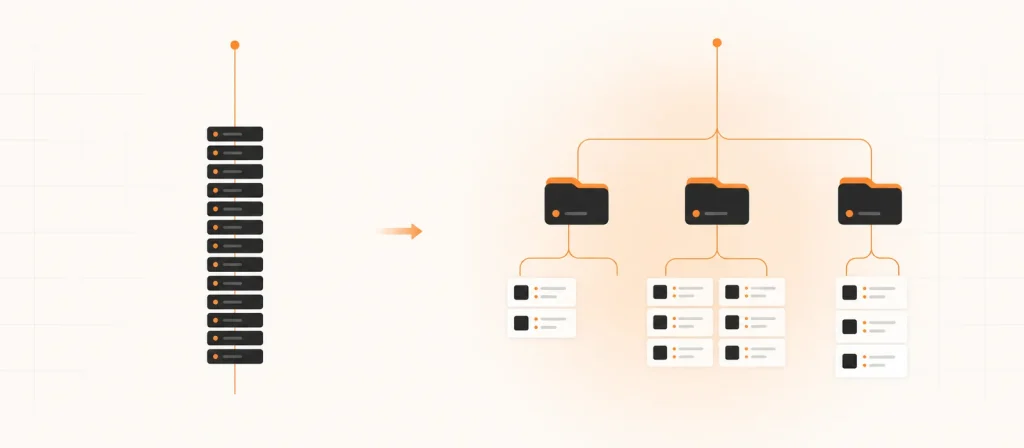
Both get you watching. Only one gives you categories, a working TV guide, and a browsable film library with posters. If nobody…
Read the guide
Every smart TV can play IPTV. What differs is how you get the app onto it, and that single detail decides whether…
Read the guide